


















How to Play Ragdoll Archers?
Line up your shots carefully and fire at enemies. Your goal is to survive as long as possible while earning skulls. Shoot flying apples for health and stamina. Customize your arrows to find the best fit for your playstyle. Use skulls to upgrade your abilities. Controls vary by mode: in 1 Player Mode, use the left mouse button to shoot and the spacebar to jump; in PvP Mode, Player 1 uses WASD and left-shift, while Player 2 uses arrow keys and right-shift.
What is Ragdoll Archers?
Ragdoll Archers is a fun, free online browser game where players engage in archery battles against various enemies. With its unique ragdoll physics and customizable arrows, this game provides an entertaining experience for players of all ages.
Gameplay & Features
In Ragdoll Archers, players must line up their shots carefully and face off against tricky enemies. Surviving as long as possible is the key to earning skulls, which can be used to upgrade abilities. Players can enjoy 1-player or PvP modes, making it a cool option for both solo and competitive play.
Tips & Strategies
To excel in Ragdoll Archers, focus on hitting flying apples for health and stamina. Customize your arrows to find which types suit your style, and use skulls wisely to enhance your character's abilities.
Game Elements
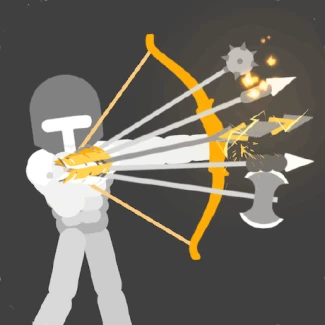
- Arrows: Various types of arrows including electric, poison, and balloon that can be unlocked.
- Enemies: Different foes, including mini-bosses, that challenge your skills.
- Flying Apples: Collectibles that replenish health and stamina.
- Skulls: Currency earned from defeating enemies to upgrade abilities.
- Controls: Use the mouse or keyboard to maneuver and shoot.
FAQ
Is Ragdoll Archers free to play?
Yes, Ragdoll Archers is completely free to play online without any downloads required.
Can I play Ragdoll Archers at school?
Yes, Ragdoll Archers is an unblocked game that can be played in school during free time.
What devices can I play Ragdoll Archers on?
This game is compatible with any browser, making it accessible from various devices.
| Game Name | Ragdoll Archers |
|---|---|
| Rating | ⭐ 100% (2 Votes) |
| Released | |
| Last update | |
| Technology | HTML5 |
| Platform | Playable in your browser on desktop, mobile, and tablet devices |
| Game Mode | SinglePlayer |
| English | Ragdoll Archers |


